
Elgato Stream Deck MK.2 Studio Controller – 15 Customizable Macro Keys for OBS, Twitch, YouTube | Mac & PC
Original price was: $160.00.$119.99Current price is: $119.99.
25% Off
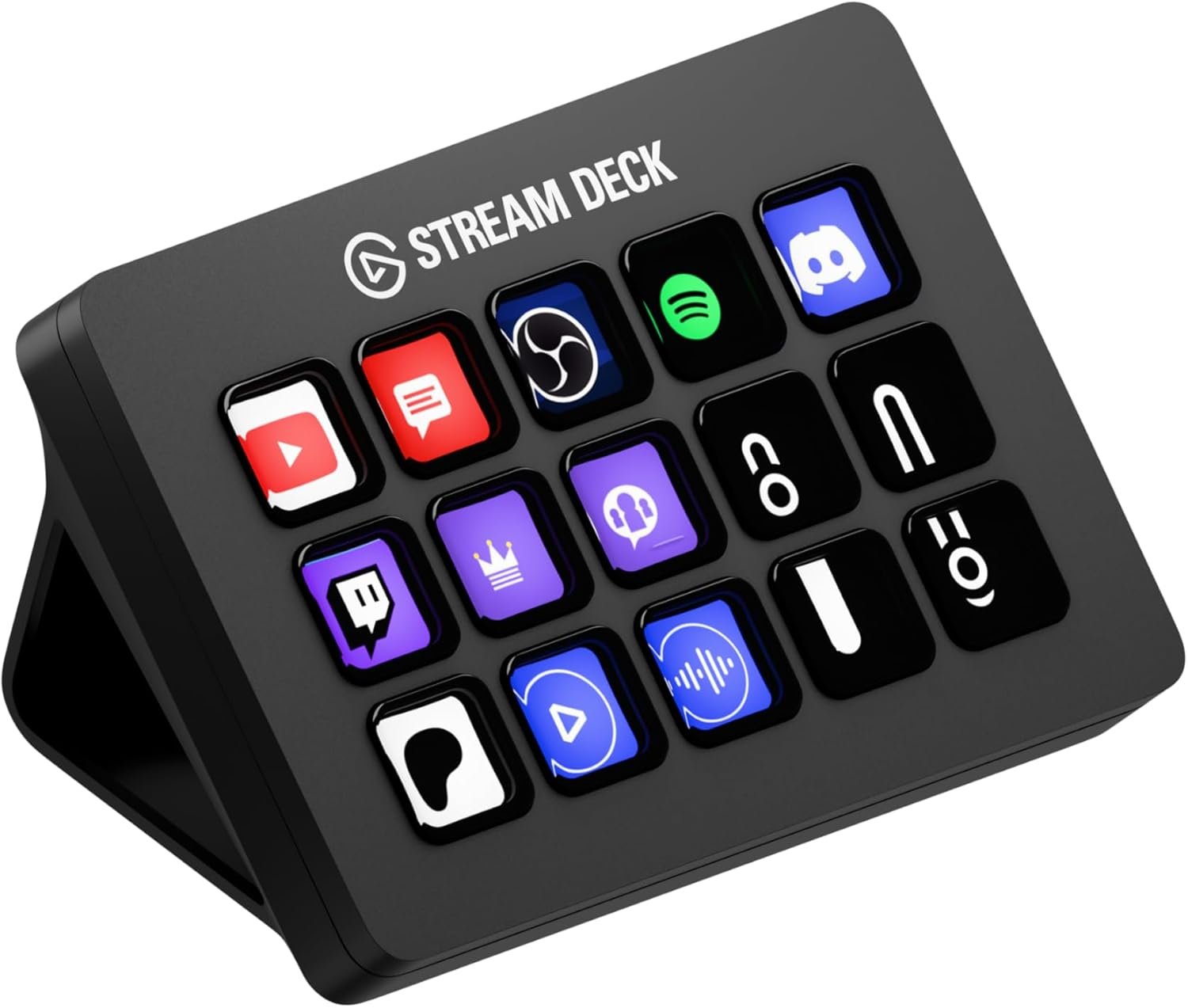
The Elgato Stream Deck MK.2 is a powerful 15-key studio controller designed to streamline workflows for streamers, content creators, and productivity users. With 15 customizable LCD macro keys, you can trigger actions, switch scenes, launch apps, control software like OBS, Twitch, YouTube, and more with a single press. Fully programmable in the intuitive Stream Deck app, it lets you automate tasks, run macros, post to social platforms, adjust audio, and control lighting or tools effortlessly. Compatible with Mac and PC and featuring a detachable USB-C cable, ergonomic stand, and interchangeable faceplates, it’s the ideal tool to boost efficiency, workflow control, and creative output.
Description
Unleash Your Creativity with Precision
The Elgato Stream Deck MK.2 is your ultimate productivity powerhouse, designed to elevate efficiency and streamline tasks for streamers, content creators, and professionals alike. With its 15 programmable LCD keys, this compact studio controller gives you direct access to control tools, launch applications, and execute commands with a simple press. Whether you’re editing videos, live streaming gameplay, managing presentations, or automating daily tasks, the Stream Deck MK.2 offers unmatched versatility to transform your workflow and unleash creative potential effortlessly.
Customized Control at Your Fingertips
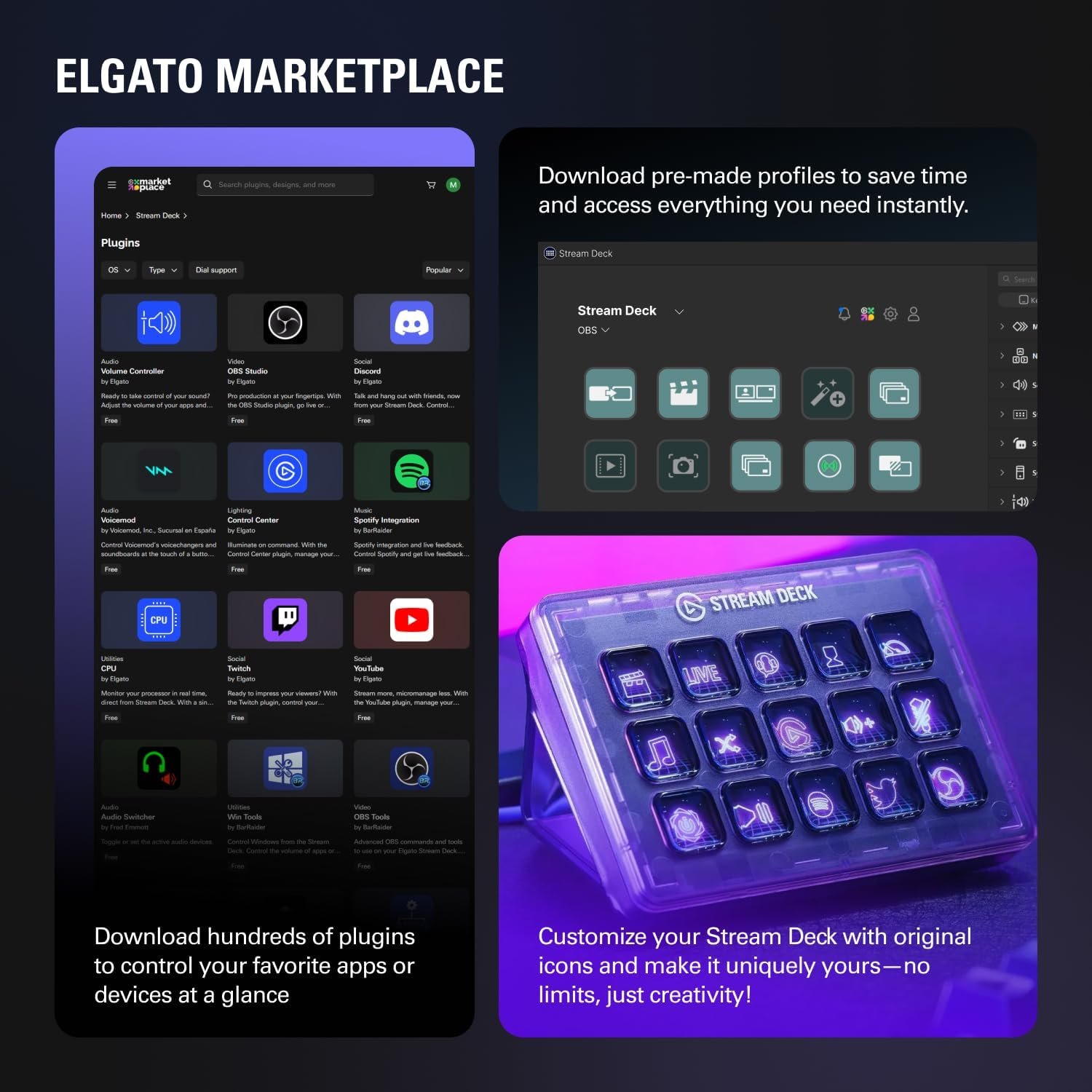
Thanks to the intuitive Stream Deck software, customization is easy and seamless. From triggering actions to switching scenes, controlling your favorite platforms like OBS, Twitch, or YouTube becomes a breeze. The programmable keys let you automate recurring tasks, run macros, adjust audio settings, or even control lighting setups without breaking focus on your project. The interface keeps everything you need at your fingertips, empowering you to save time and concentrate on what you do best.
Stylish Design Meets Practical Features
Built with productivity in mind, the Elgato Stream Deck MK.2 is both modern and functional. It features a detachable USB-C cable for connectivity ease, a robust ergonomic stand for comfortable positioning, and interchangeable faceplates that allow you to personalize its aesthetic. Additionally, its compatibility with both Mac and PC ensures broad usability. No matter your creative field or workflow needs, this tool adapts effortlessly to your unique style and routine.
Why Choose the Elgato Stream Deck MK.2?
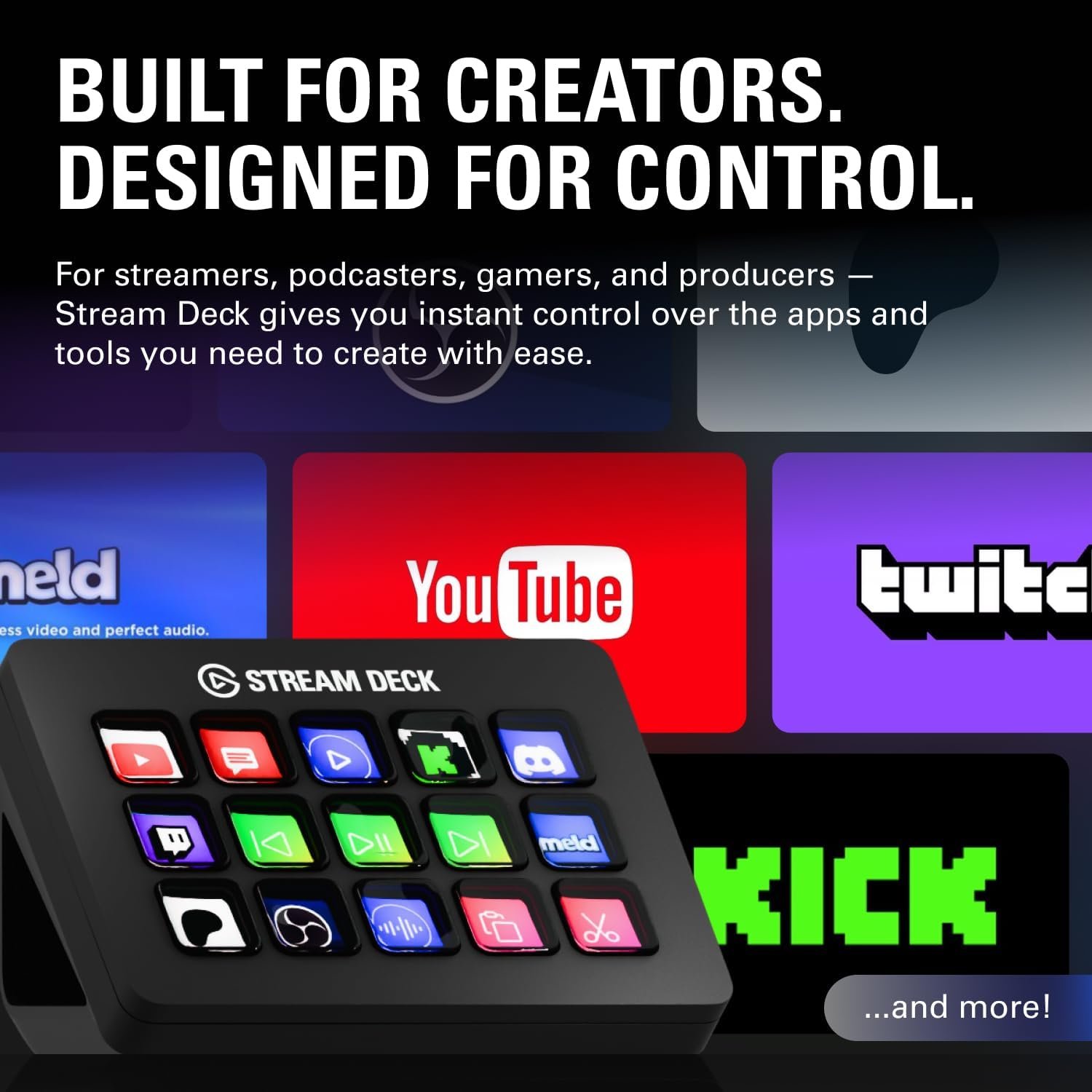
Not just limited to streamers, the Stream Deck MK.2 is ideal for professionals looking to optimize their daily tasks. Its versatility bridges the gap between creativity and productivity, enabling smoother navigation of complex workflows. Whether you’re launching apps, posting to social platforms, or adjusting your studio environment, this controller helps boost efficiency, creativity, and convenience—all in one compact device.
4 reviews for Elgato Stream Deck MK.2 Studio Controller – 15 Customizable Macro Keys for OBS, Twitch, YouTube | Mac & PC
Related Products


Jason –
The Elgato Stream Deck MK.2 15-Key is more useful than I realized at first. Its customization options make it perfect for streamlining tasks, shortcuts, and creative workflows. While this particular model doesn’t allow you to adjust the viewing angle, it still performs extremely well and makes managing applications, streaming, and productivity a breeze. A fantastic tool for anyone looking to simplify their setup.
Anonymous –
Perfect for streaming my gameplay and video editing as well. I love having the hotkeys, makes everything so much easier and also super fun to use.
Darlinea –
I LOVE this gadget!! Is it required? No. Do I use it every day may times a day? YES! It’s got a small profile so it’s not obtrusive on the desk. I really do feel like it saves me time as accessing apps and such is very easy. What I didn’t realize was that the buttons are menu options. For example, for one of them I have it set to apps. When I select that it goes down into a sub menu where I have 9 apps configured for quick access. I thought each button would only have one shortcut use. I didn’t realize there was an option for submenus. It’s fairly easy to set up, the buttons are easy to use and it seems durable. I’ve noticed very little lag. What I haven’t been able to figure out is quick ways to mute. I have a MuteMe which I was hoping to replace with this, but so far it be not figured that out. I’ve had it for around 2 months and it’s my favorite desk accessory.
Miguel Eduardo Vilar –
It is a versatile and powerful tool that goes beyond streaming. It’s an excellent choice for non-streamers looking to enhance their productivity and creative workflows.